This page covers information about where to look for licensing details for Licensing Model 2025, the default for License Statistics v7.0 and newer. For complete details about older licensing models, see:
For information on switching from an older licensing model to a newer licensing model, see License Transition.
The Licensing page under the Administration section is divided into three tabs:
| Contains gauge charts that show current usage of your License Statistics license | |
| History | Contains reports that show historical usage of your License Statistics license |
| Management | Contains options for managing your License Statistics license, including activation |
Using the License Usage and History pages for Licensing Model 2025 is described below. The Management tab is the same for all licensing models; see License Management for information on using this tab.
Usage
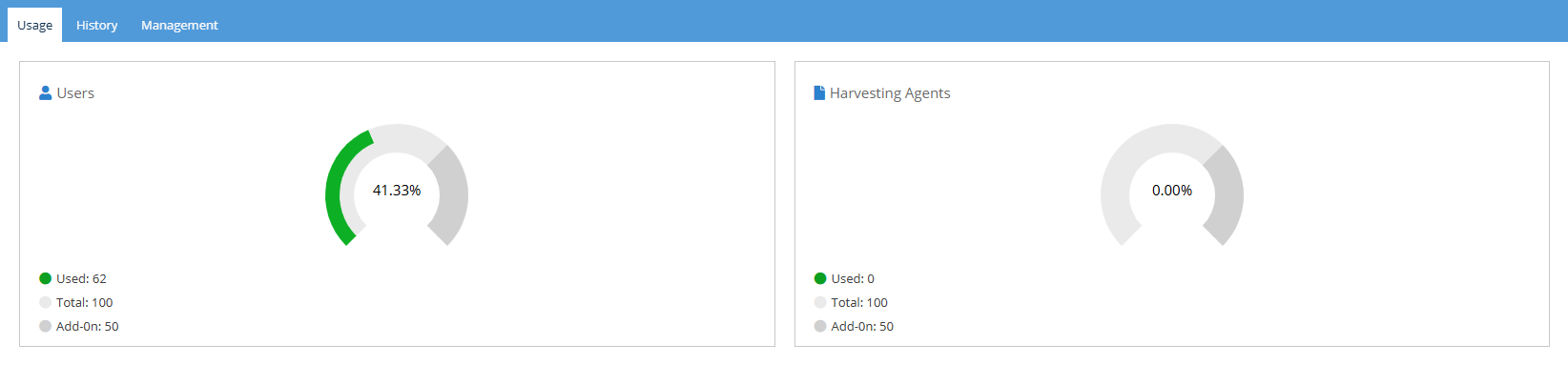
To see license usage information, click the Usage tab at the top of the Licensing page. The Usage tab contains information for Users and Harvesting Agents.
When license usage is within your license limits, the gauge charts will be green, as illustrated below.
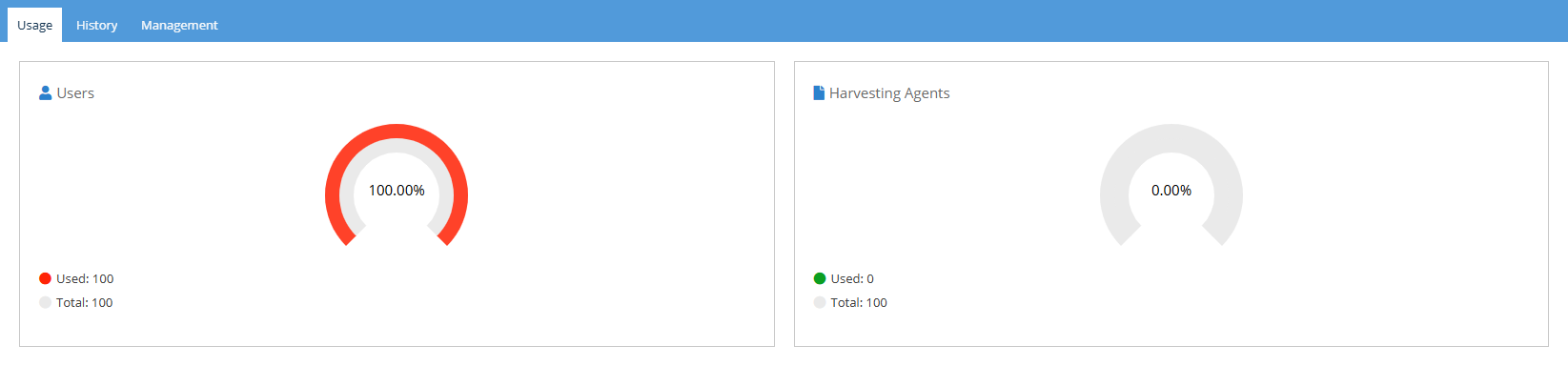
As shown below, you can easily see when your license limits are exceeded or nearing threshold (90% and above), indicated by red in the gauge charts, as illustrated below for the Users gauge.
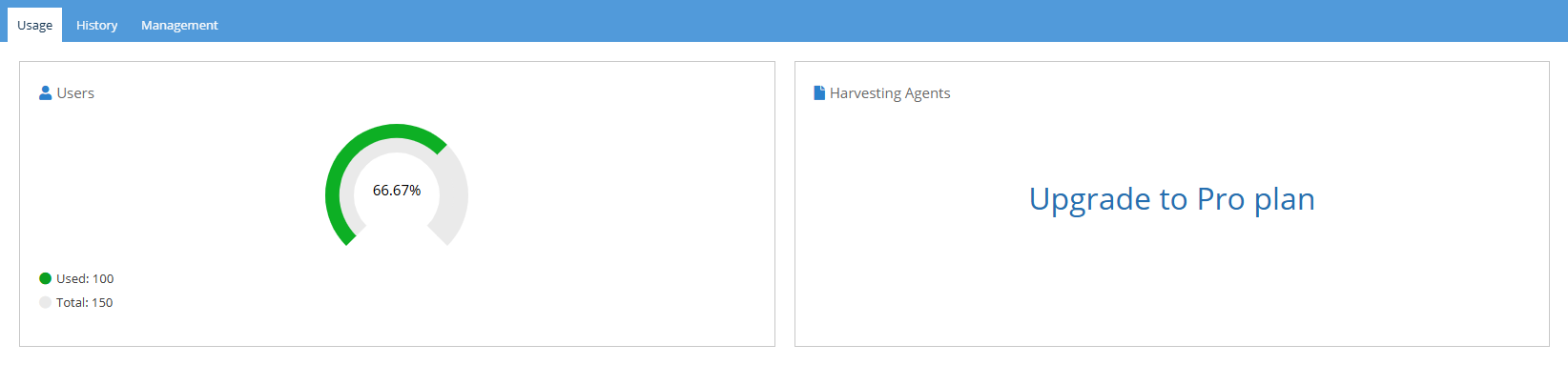
Harvesting features are included only with the Pro Plan version of licensing; the Standard Plan does not include Harvesting features. Therefore, if you are running License Statistics under the Standard Plan, the Harvesting Agents section will indicate "Upgrade to Pro plan," as shown in the illustration below.
History
To see license usage history information, click the History tab at the top of the Licensing page.
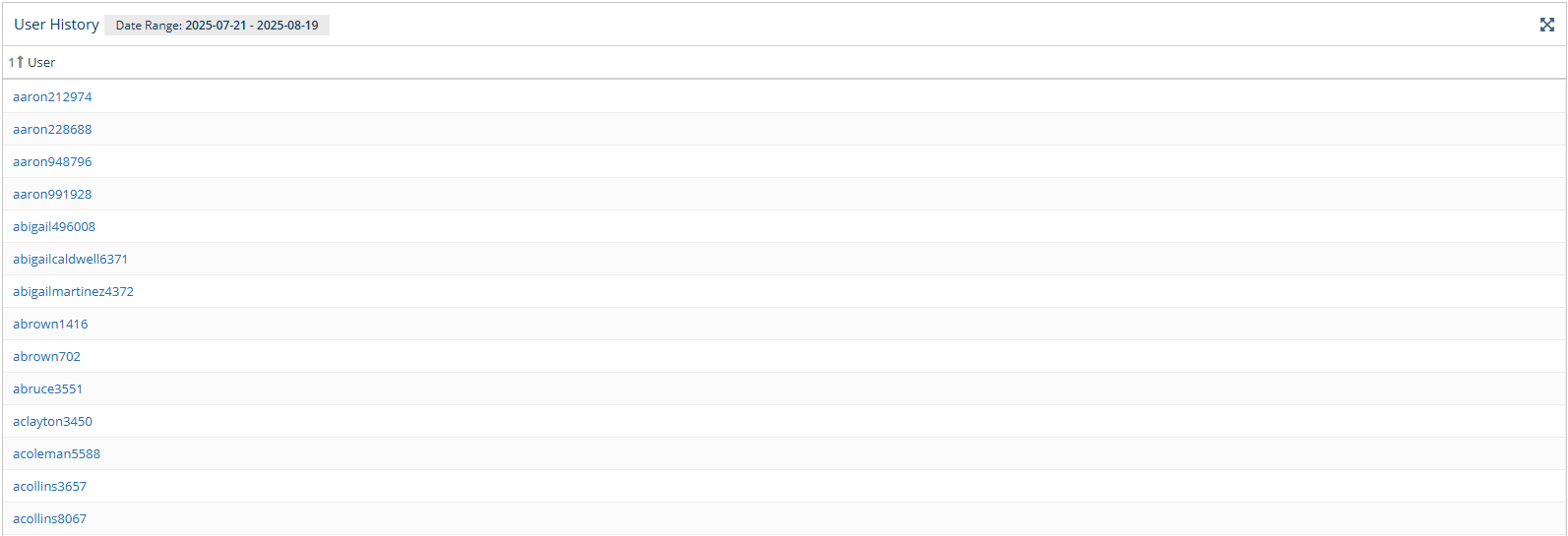
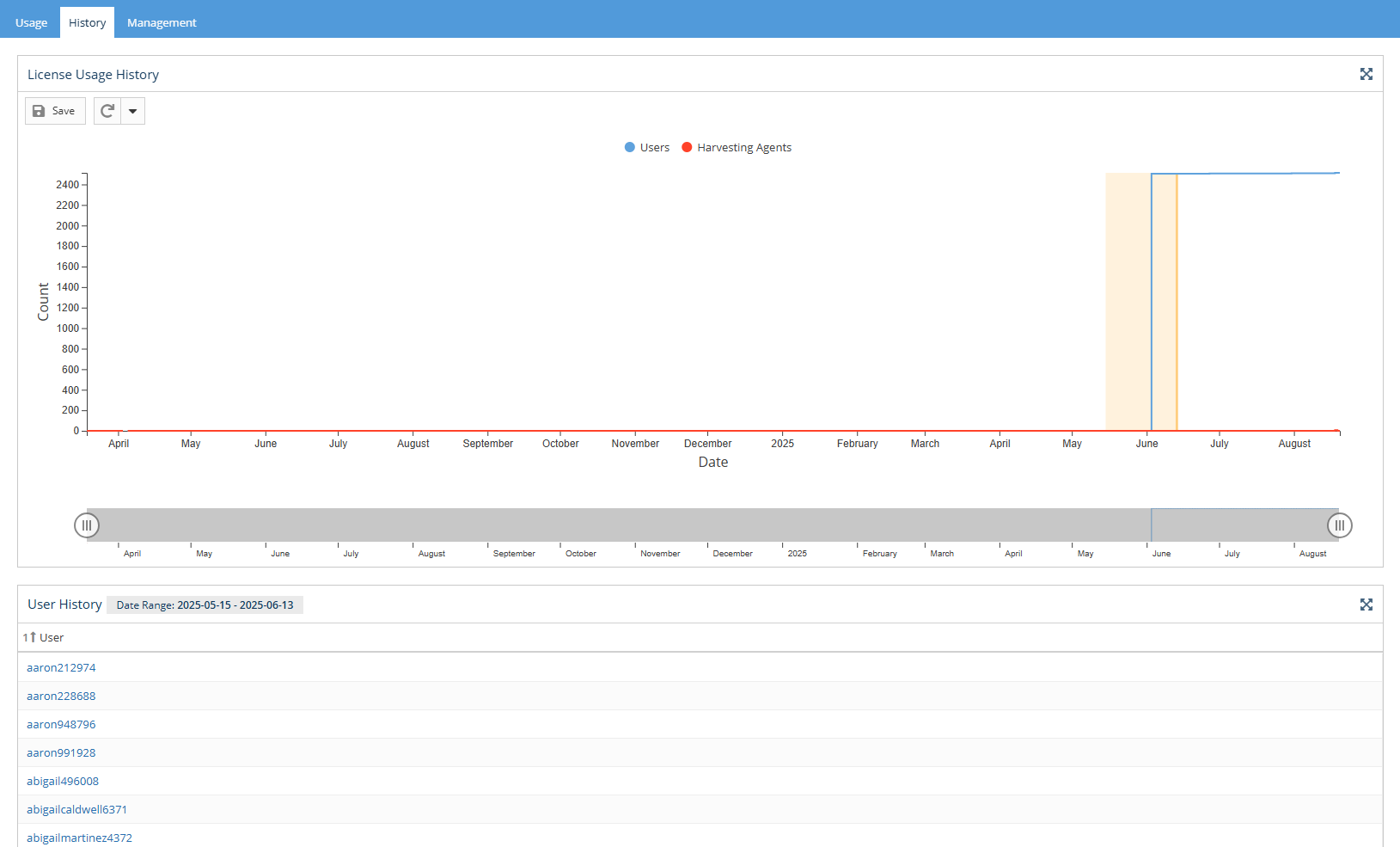
The History tab contains a License Usage History chart and User History grid.
License Usage History chart
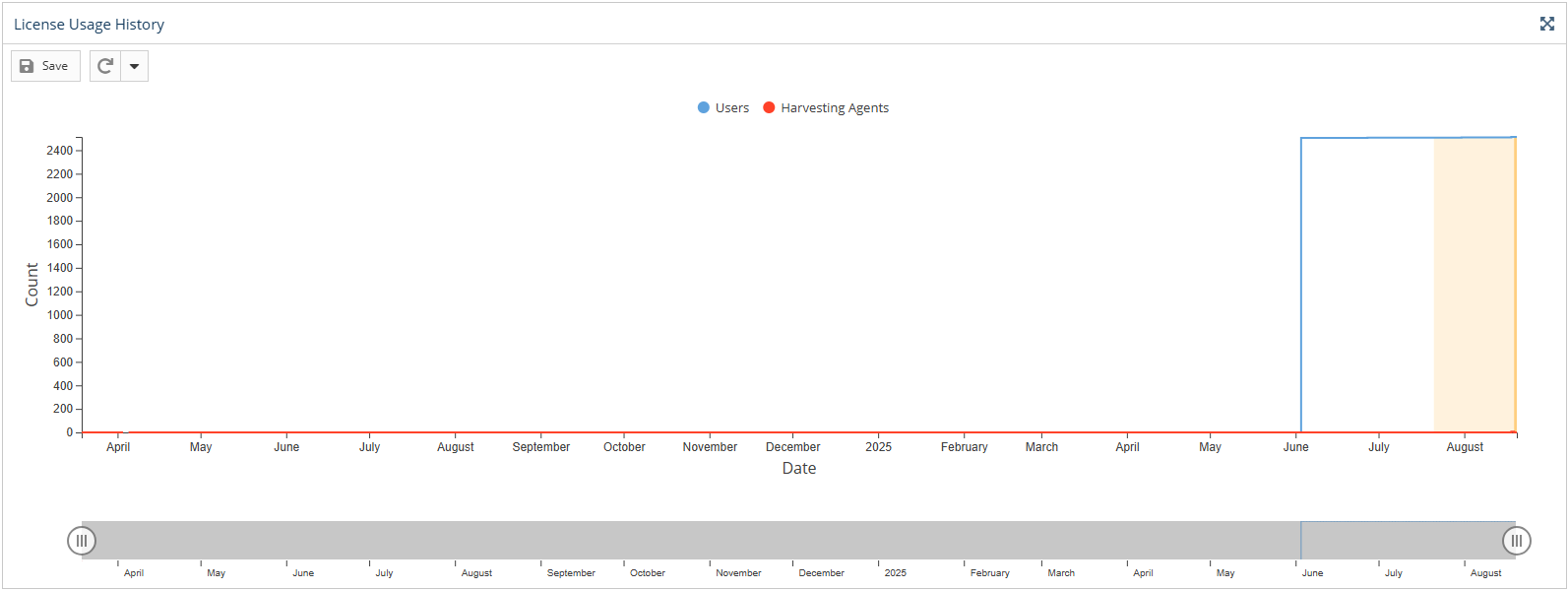
The License Usage History chart in the Licensing page reports historical usage of the License Statistics license.
Data is shown up through the current day by default. To see details for a specific time period, click on the end-date for the time period in the chart. (Days will be highlighted as you move your mouse over the chart.)
The License Usage History chart includes the following information.
- Number of all users in the database up through the selected date (current date by default)
- Number of Harvesting Agents in each day
User History grid
The User History grid displays license usage history up to the date selected in the License Usage History chart (current date by default).