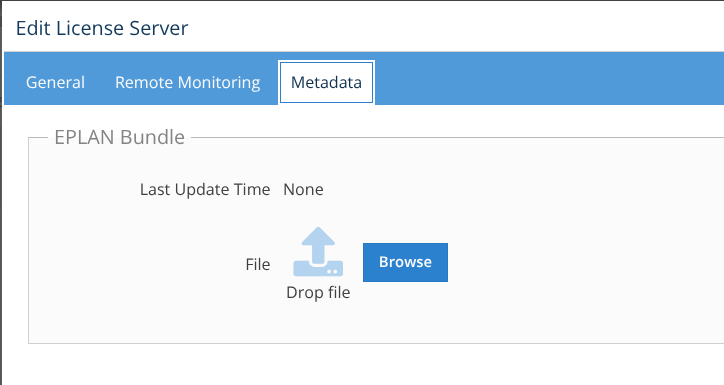
The information on this page refers to License Statistics v7.1 and newer, which introduced metadata uploading using a new Metadata tab in the Add/Edit License Server page. |
You can upload metadata using the Metadata tab in the Add/Edit License Server page when adding or editing an Autodesk or EPLAN LM license server. (This page is visible only for License Statistics administrator users.)
- For Autodesk, you can upload an archive file that contains metadata exported from your Autodesk cloud server
- For EPLAN LM, you can upload an EPLAN bundle that contains metadata
After uploading the metadata file, any supported source will use the metadata to improve the quality of information gathered from that server, including details about current reservations and features and the total number of licenses in the pool.
Typically, the metadata is fairly static. However, the metadata must be re-uploaded whenever the server configuration changes (for example, there are new rules or licenses have changed). The last time the file was uploaded is visible on the License Server page's Metadata tab.