...
The information on this page refers to License Statistics v6v7.19 3 and newer, which introduced the Users Custom Applications report, removed the ability to disable application events loggingor delete events from the Application Events grid, added user/host anonymization for events, and added the ability to display User and Host sub-columns. If you are using a version previous to v6v7.193, see documentation for previous versions. |
The Application Events grid on the Administration > Custom Applicationspage page lists all application events that occurred during the past 30 days on the end-user host for the currently selected application.application selected from the Applications grid. Application events older than 30 days are not shown in the Application Events grid. To see statistics for all gathered events for any time period, see the Users Custom Applications report.

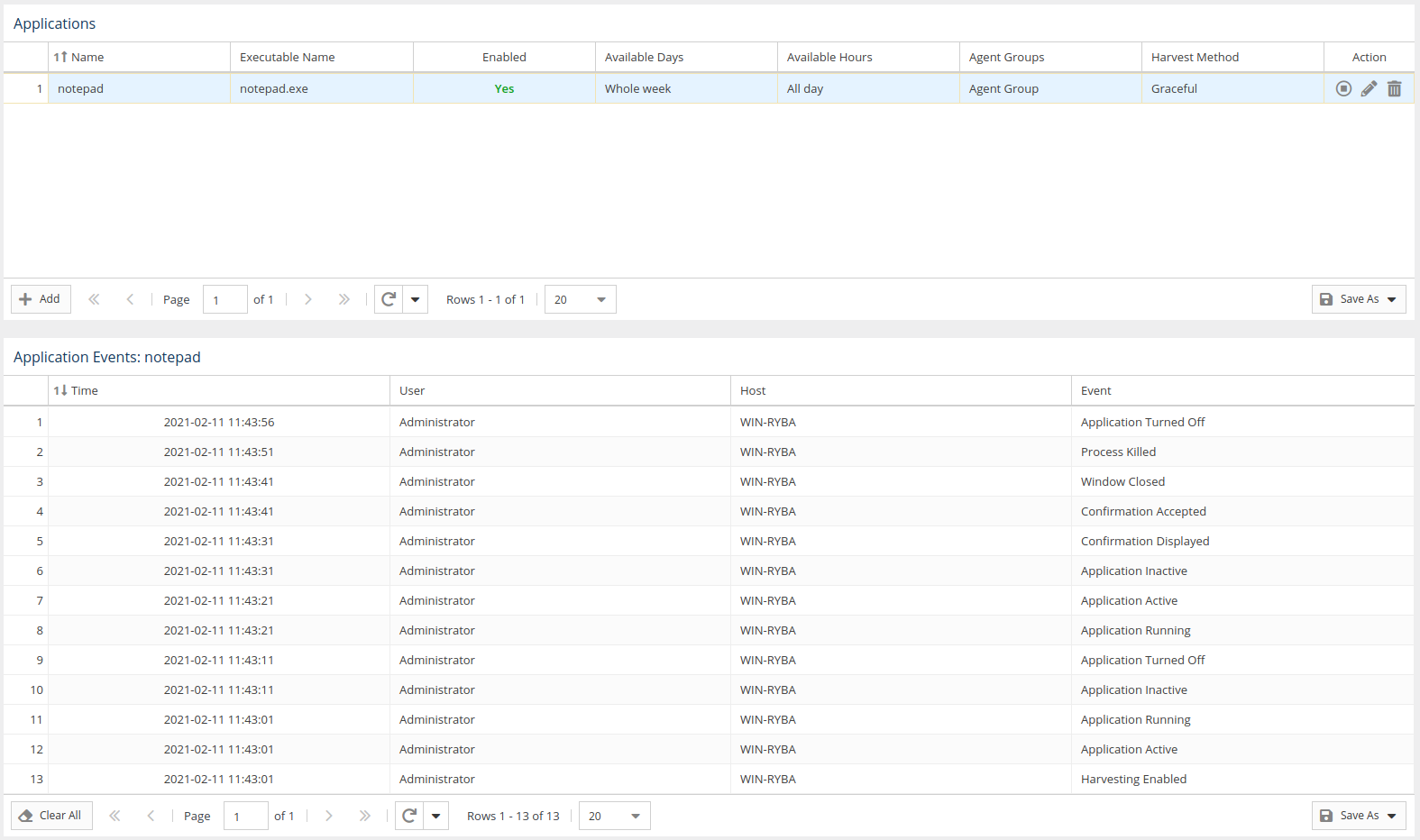
The Application Events grid includes the following information.
| Column | Description |
|---|---|
| Time | The time the event occurred, in descending order by default. |
| User | EndDetails for the end-user username whose application the Agent was monitoring. |
| Host | Hostname of Details for the machine Host on which the Agent was monitoring the application. |
| Event | Name of the action that License Harvesting executed on the application. |
...
For User and Host columns, you can toggle visibility of sub-columns.

| Anchor | ||||
|---|---|---|---|---|
|
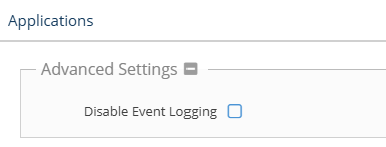
Custom application event logging can be disabled by checking the "Disable Event Logging" option You can anonymize the user and host information shown in the Application Events grid by toggling on the "Users" and/or "Hosts" Anonymization options in the Advanced Settings section, e.g., due to performance reasons, especially in highly utilized environments.
Deleting application events
. Anonymization is disabled by default.
 You can clear the history of application events using the Delete All button at the bottom of the License Harvesting page. This removes the entire history from all hosts for the selected application.