...
The information on this page refers to License Statistics v6v7.11 2 and newer, which improved downloaded chart namingmodified the UI for downloading data. If you are using a version previous to v6v7.112, see documentation for previous versions. |
You can download License Statistics reports and charts you access in the License Statistics web application as described below.
...
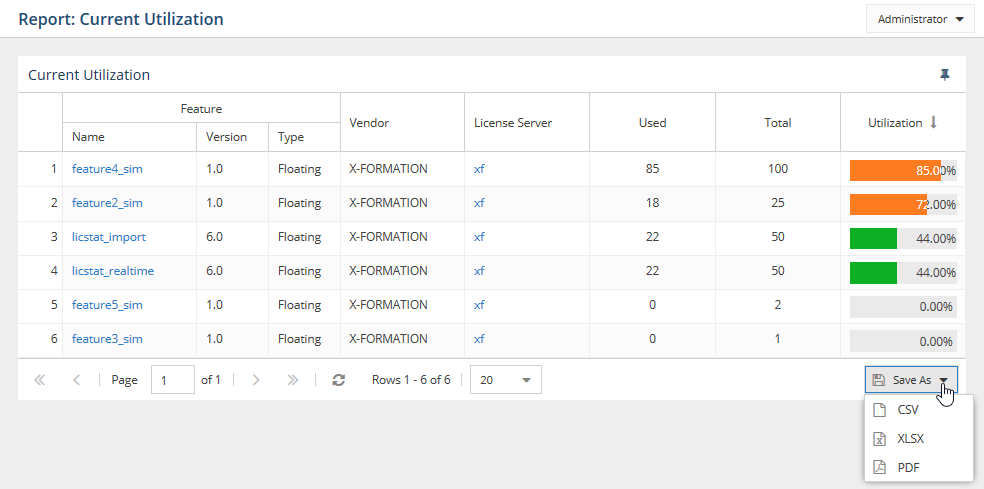
To download report data as one of these formats, select the desired format from the options under the Save As button at the bottom right of any License Statistics usage data list click on the Options icon at the top of the page, select Save As from the Options menu, and select the desired format. License Statistics handles exporting the report data, so downloading reports does not require an internet connection.

Note: Some grids also enable you to export reports to FLEXlm/FlexNet option files, as described in more detail in Importing and exporting FlexNet option files.
...
You can download License Statistics charts to PNG format by clicking the Save button in the upper left of the chart areain the same manner as described above for downloading reports. Downloading a chart image does not require an internet connection.
...