...
The information on this page refers to License Statistics v6v7.21 1 and newer, which introduced Host Resolution options DNS and rDNS lookup to find missing host detailsthe ability to set custom encoding. If you are using a version previous to v6v7.211, see see documentation for previous versions. |
You can import license server data to an existing license server. License server data importation is available only when:
...
- Select License Servers from the Administration section in the left panel. (This page is visible only for License Statistics administrator users.)
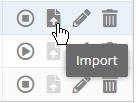
- Click the Import icon at the right of the row for the license server you want to import data to. (Only license servers that allow importing will have the Import icon enabled.)
The Import License Server dialog opens.
If needed, select the encoding type to use when analyzing data from the license server. By default, License Statistics automatically determines the encoding (usually UTF-8). For a list of supported encoding settings, see https://docs.oracle.com/en/java/javase/13/intl/supported-encodings.html.Anchor encoding encoding - Click Browse... to browse for the file that contains the license server data to import, or drag and drop the file into the dialog.
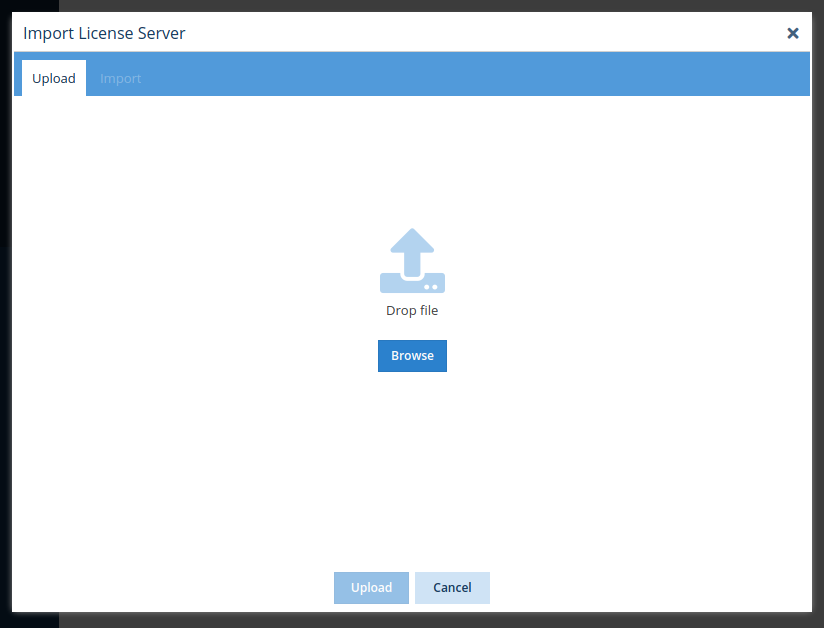
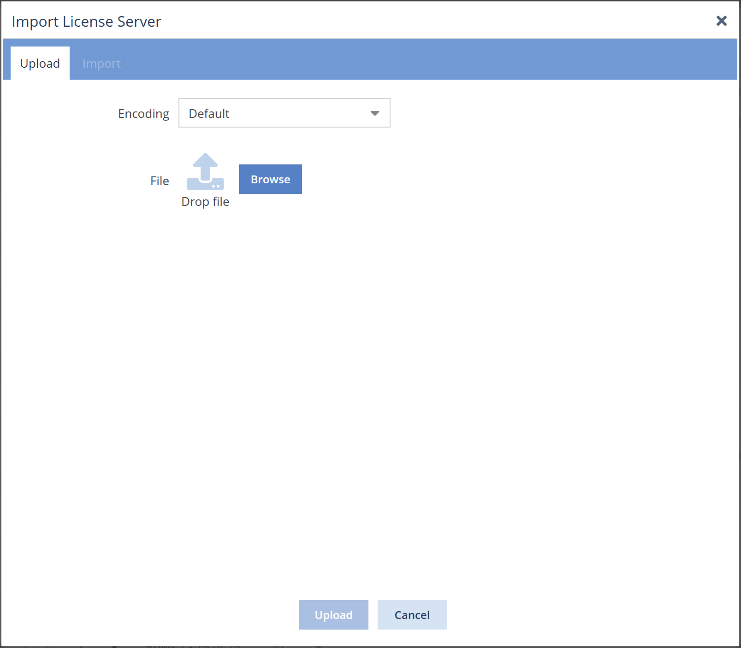
- Select the file to import to the license server.
- Click Upload. License Statistics will parse and validate the data.
A message will appear to indicate success or failure of the upload. (If the upload did not succeed, check that the correct file was selected and try the selection again.) - The Import tab opens upon successful upload. Only the import options applicable to the selected file will appear on this page.
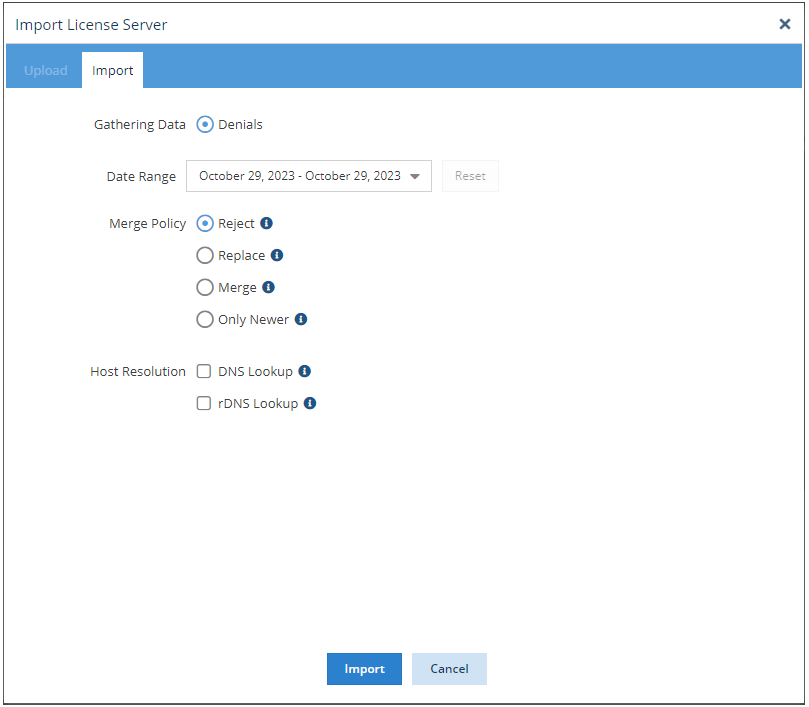
- Adjust the settings (described below) as needed, and then click Import.
...