| The information on this page refers to License Statistics v7.1 or newer, which introduced the ability to upload Autodesk metadata |
| using a new Metadata tab in the Add/Edit License |
| Server page. |
When creating or editing an Autodesk license server, you have the option of using the Metadata tab in the License Servers page to import uploading a CSV file containing data metadata that was has been exported from the Autodesk server. 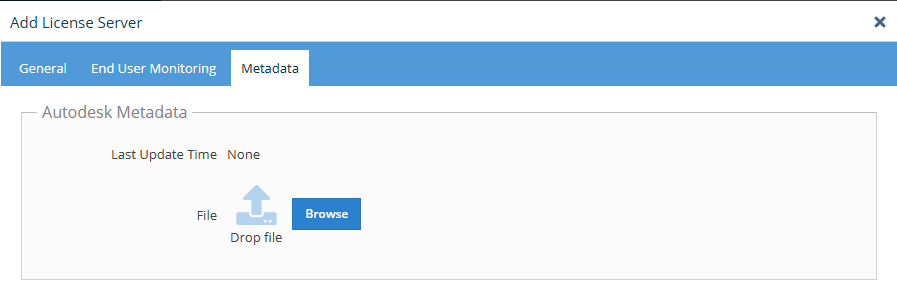 After uploading the metadata, it will be included with all future usage data reported by License Statistics Agents.
To upload metadata for an Autodesk license server:1.
- Log into your Autodesk Account (manage.autodesk.com).
...
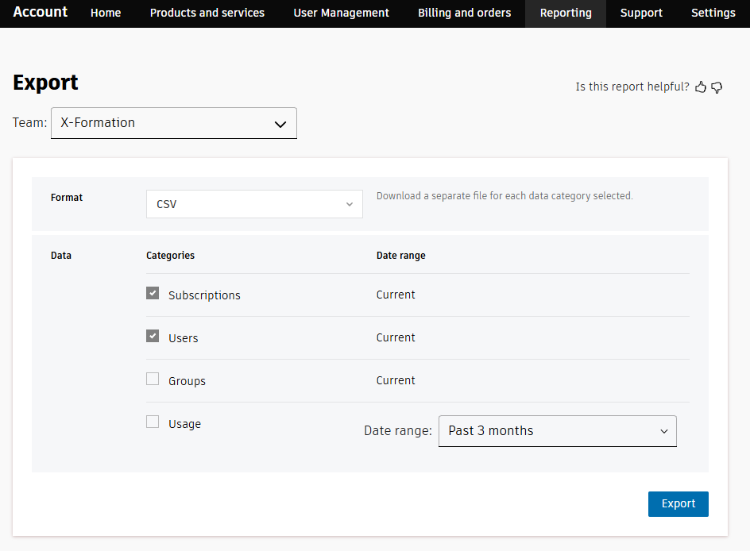
- Go to the Reporting page.
...
- Export data from the server
...
- in CSV format, and enable the Subscriptions and Users
...
- data categories. (Other options are not used for metadata upload to License Statistics.)
- Using the Metadata tab, available when adding or editing an Autodesk server, upload the CSV file you exported.
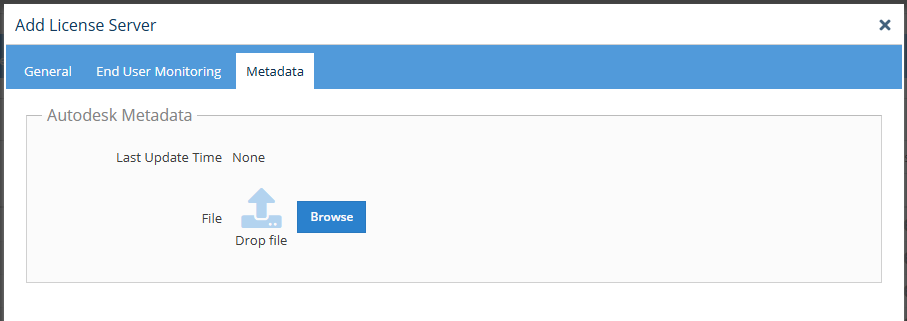
License Statistics will automatically include the uploaded metadata in all future reporting.

4. Upload the downloaded archive to licstat Metadata tab for the Autodesk server

5. Result to be used with all next usage data reported by Agents